Pick the real booking reason first.
A cover photo is not just a nice image. It is the first decision point. The edit should make the property's real advantage obvious.
That advantage may be exterior privacy, lake access, a standout living room, a hot tub, a fireplace, or a clean design feature.
If the advantage is not visible in the source photo, editing is the wrong fix. Choose a better photo or reshoot the right angle.
Make it clearer at small size.
Guests often see the cover image in a fast scroll. Fine details disappear. The edit should improve the big read first: subject, brightness, contrast, straight lines, and clean foreground.
Tiny decorative changes are less important than a cover that explains the stay in one glance.
- Clear subject.
- Horizontal framing.
- Believable brightness.
- Straight walls or horizon.
- No misleading crop.
Use one hero slot, then keep the gallery grounded.
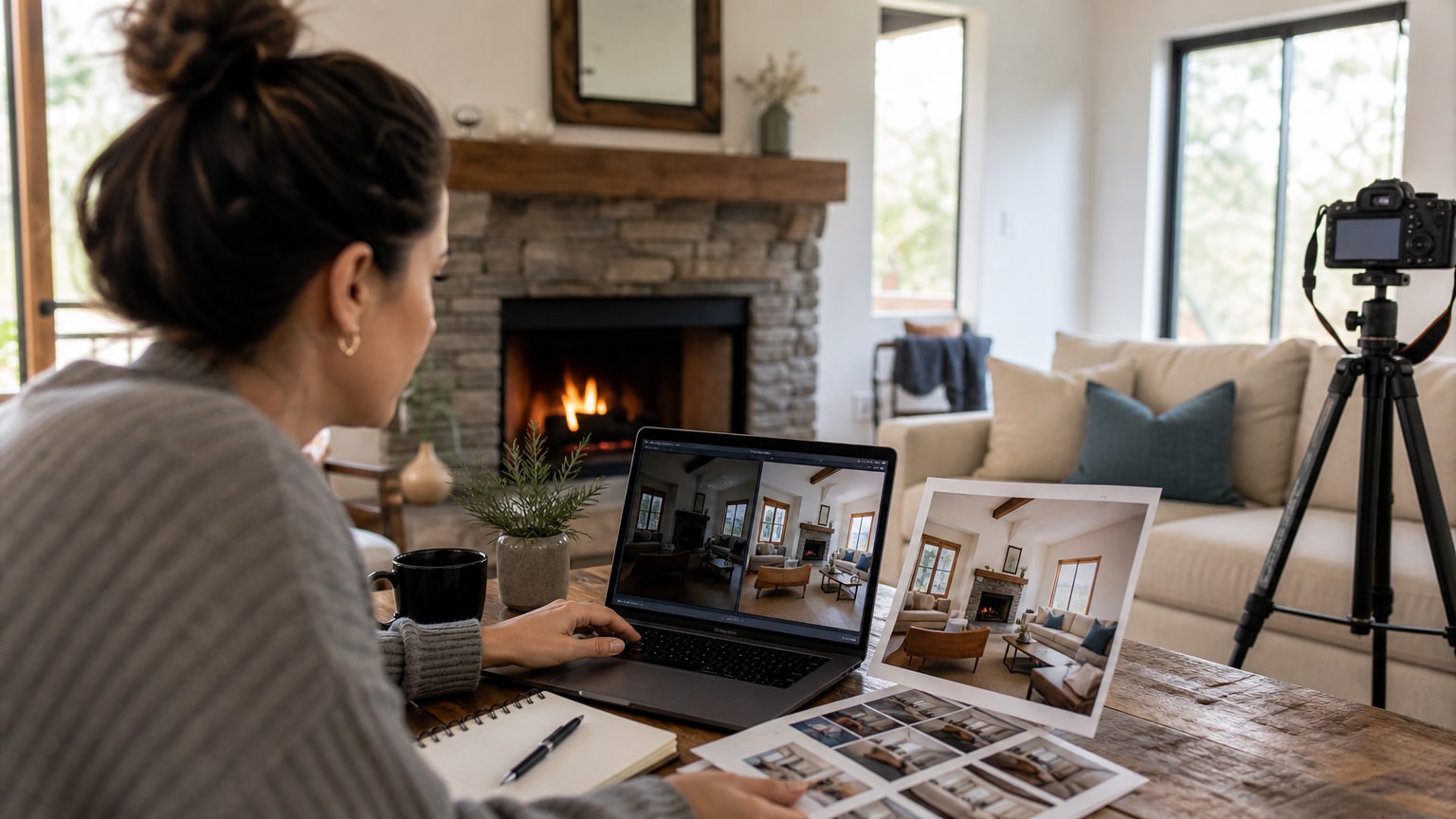
Listing Photo Optimizer treats the strongest image differently from the rest of the set. One premium hero can carry more polish and mood because it has to earn the click.
The rest of the gallery should still feel consistent, but not every image should look like a dramatic ad. A believable set builds more trust than one overdone lead photo.
Score the cover photo like a search result.
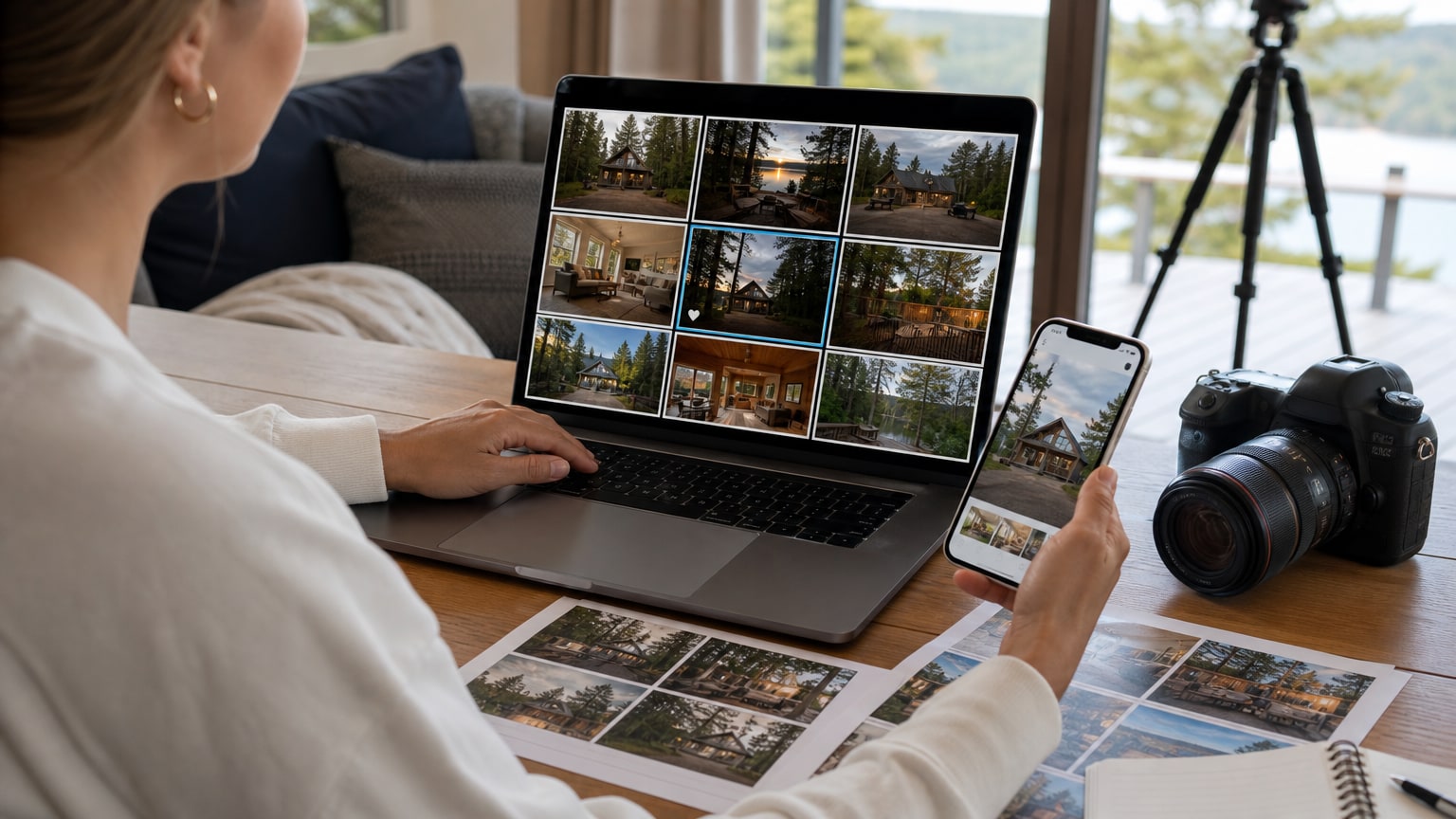
Before editing, shrink the image on your screen and judge it like a guest would see it in search. Can you tell what the property is?
Is the main reason to click visible? Does the photo still work beside competing cabins, condos, beach houses, or apartments?
If the answer is no, the first fix may be selection, not editing. A sharper living room or cleaner exterior angle often beats a pretty frame that does not explain the stay.
This thumbnail test also helps avoid spending the strongest edit on a photo that only works when viewed large. The lead image has to win before guests slow down.
- The subject should be obvious at thumbnail size.
- The image should explain one real booking advantage.
- The crop should not hide access, neighbors, stairs, or tight spaces.
- The color should feel inviting without looking artificial.
Choose the right edit strength for the lead image.
A cover photo can usually support more polish than a bathroom detail or hallway image because it has a different job. It has to stop the scroll.
That does not mean every change is safe. Stronger contrast, cleaner lines, better sky balance, warmer existing lights, and a more intentional crop can help.
New landscaping, fake sunsets, removed neighbors, or invented amenities create risk.
Think of the cover edit as a clearer version of the best real selling point, not as a replacement for the property.
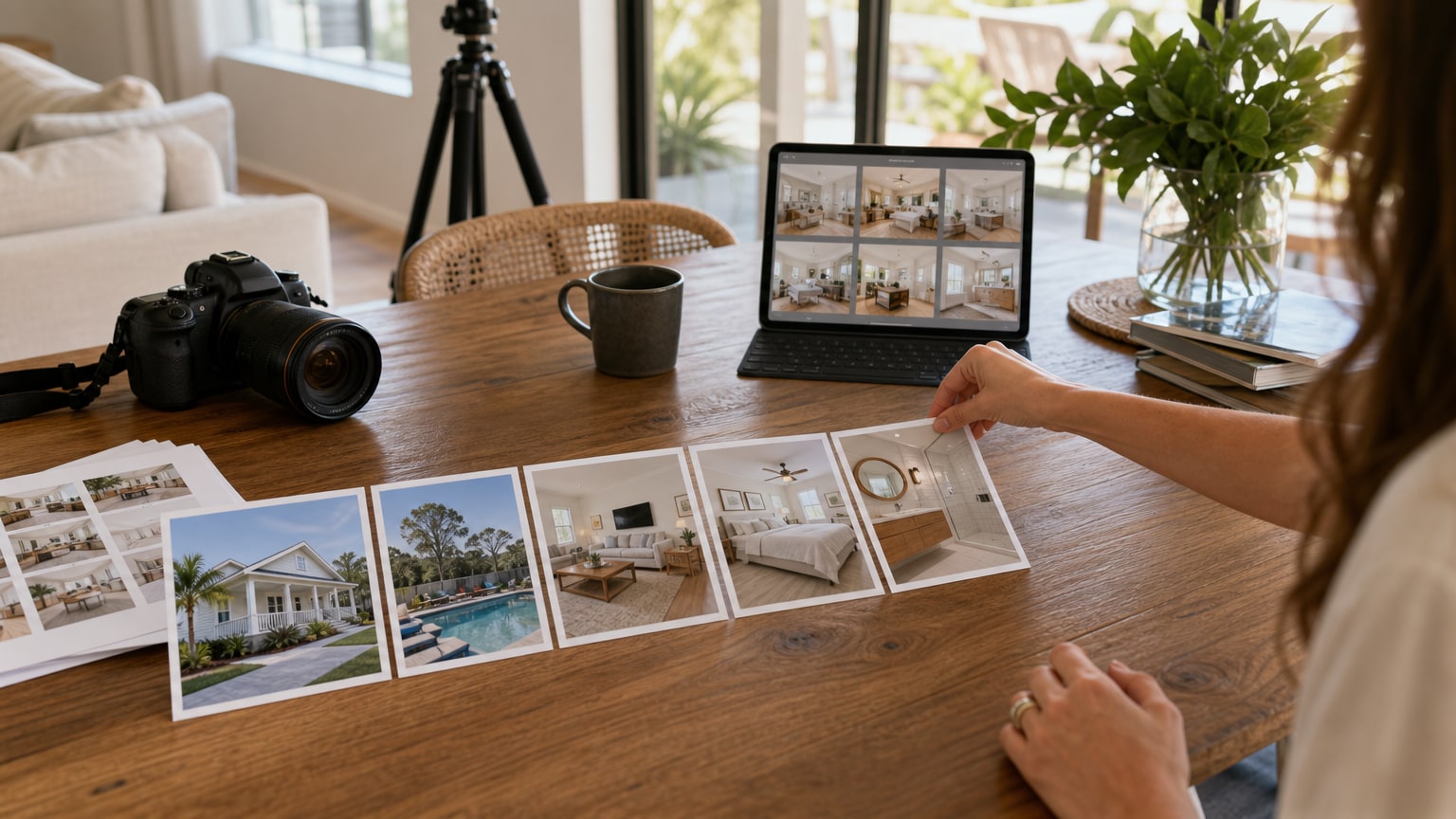
Make the next four photos support the promise.
The cover photo earns attention, but the next four images decide whether the guest keeps looking. If the lead photo shows a hot tub, the next photos should explain the surrounding deck, sleeping setup, living room, kitchen, view, or access.
If the cover leads with a design-forward living room, the next images should prove that the bedroom, kitchen, bath, and exterior are consistent.
This sequence is why editing one lead image is not enough for many listings. The first five images should feel intentional, accurate, and connected.
- Photo 1: strongest real reason to click.
- Photo 2: main interior or amenity support.
- Photo 3: sleeping or gathering proof.
- Photo 4: kitchen, bath, or exterior context.
- Photo 5: trust detail that answers a guest concern.
Check what the crop hides.
Cover-photo edits often fail because the crop gets too aggressive. A tighter crop can make a property look cleaner.
It can also hide parking, stairs, neighboring homes, low ceilings, a shared wall, or the actual shape of a small room. Those details affect guest expectations.
A good crop removes dead space and makes the subject stronger. A risky crop removes context the guest needs to understand what they are booking.
Treat exterior, interior, and amenity covers differently.
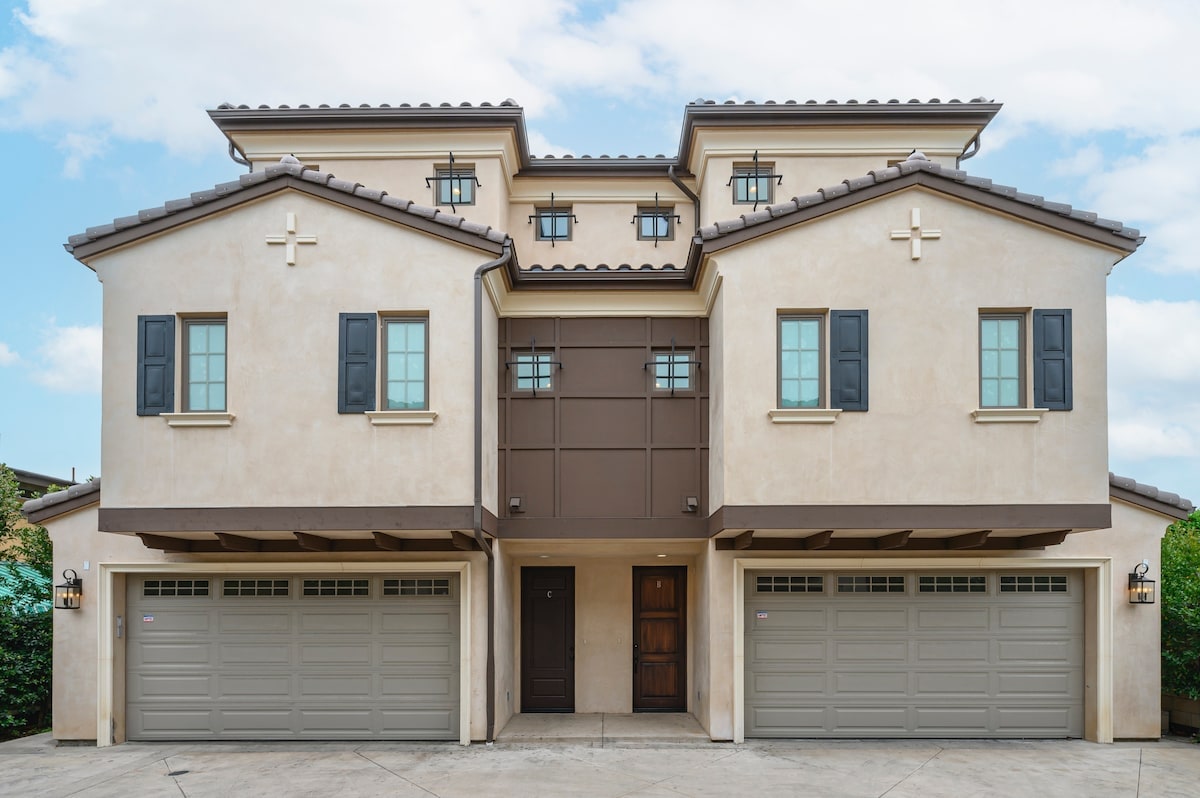
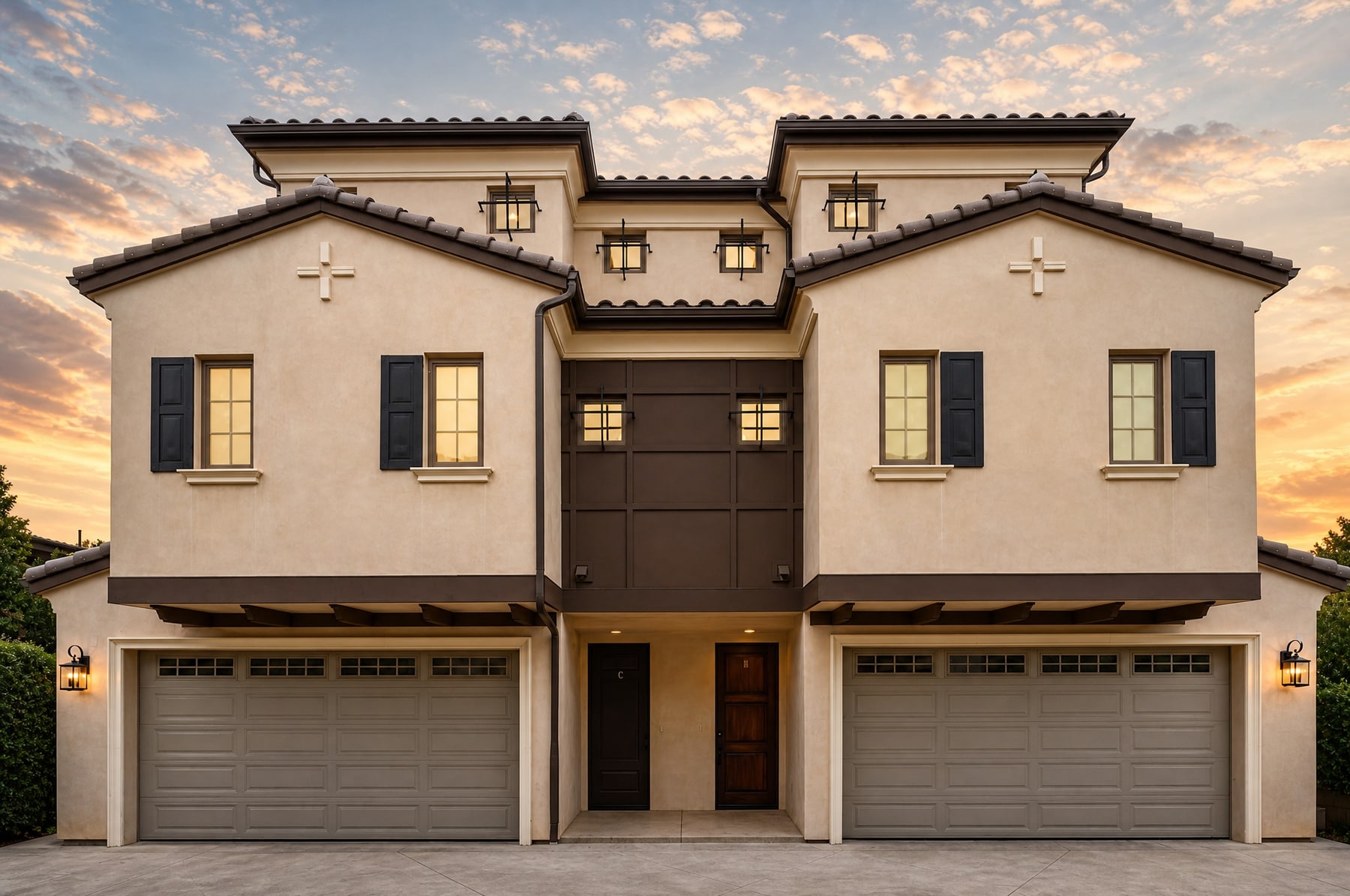
Exterior cover photos need the building, access, season, and setting to stay clear. The edit can improve sky balance, shadows, lines, and curb appeal.
It should not hide the driveway, make a shared area look private, remove a nearby structure, or create landscaping that is not there. For cabins and rural stays, the outside context matters.
Interior cover photos need layout truth. A living room, bedroom, or kitchen can be brighter and cleaner, but walls, windows, furniture spacing, and floor area must stay honest.
Amenity covers need even more restraint. A hot tub, fire pit, pool, dock, sauna, or game room should look appealing because the real amenity is appealing.
Use the cover edit to reduce doubt.
The best cover photo does more than attract attention. It reduces one important doubt. A dark exterior edit can show that the entry is clean and easy to recognize.
A room edit can show that the space is warm, organized, and large enough for the listed use. An amenity edit can show that the feature is real and accessible.
When reviewing the finished image, ask what objection it answers. If it only looks more dramatic, it may not help conversion. If it makes the real value easier to see, it is doing the job a cover photo should do.
- Exterior: reduce doubt about arrival and curb appeal.
- Living space: reduce doubt about comfort and layout.
- Bedroom: reduce doubt about cleanliness and usable space.
- Amenity: reduce doubt that the feature is real and guest-ready.
Use a final upload checklist.
Before making the edited image the cover, view it beside the next four photos. The first five images should tell one clear story about the stay.
Then compare the cover with the listing description. If the photo promises privacy, luxury, access, or an amenity, the written details should support that same promise.
- Cover still matches the real listing.
- Next four photos support the same promise.
- Description does not contradict the image.
- No key context is cropped away.
Review what the edit implies.
Before using a cover edit, check what the image now suggests. Did it imply a sunset view that guests will not get? Did it hide a driveway, neighbor, stair, or access detail? Did it make the room look wider?
The best cover photo edit makes the real property look more bookable without creating a review risk.
That review should happen before the photo becomes the lead image. A misleading cover sets expectations for the entire stay before guests read the details.
FAQ
Should the cover photo be an exterior or interior?
Use whichever image explains the strongest real advantage fastest. Cabins, waterfront stays, and unique exteriors often lead outside. Design-forward spaces may lead with the best interior.
Can the cover photo be edited more than the rest of the gallery?
Yes, but only inside truthful limits. It can be brighter, cleaner, and more polished, but it should not add amenities, change views, hide access issues, or make the property look different.
Source notes
Keep reading
- best Airbnb cover photo Use the cover-photo resource to pick the right lead image before editing.
- vacation rental photo order Make the cover image work with the next four photos instead of treating it as a standalone ad.
- Heavy optimization examples See where a stronger edit still stays below a fake-property change.
- first-party proof gallery Compare the premium hero slot against supporting gallery proof from a Pure Michigan Getaways property.